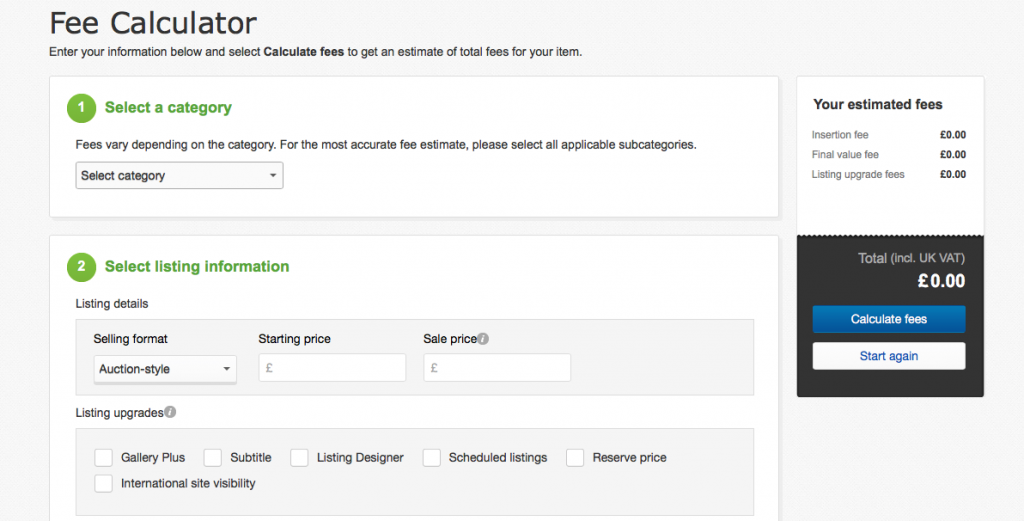
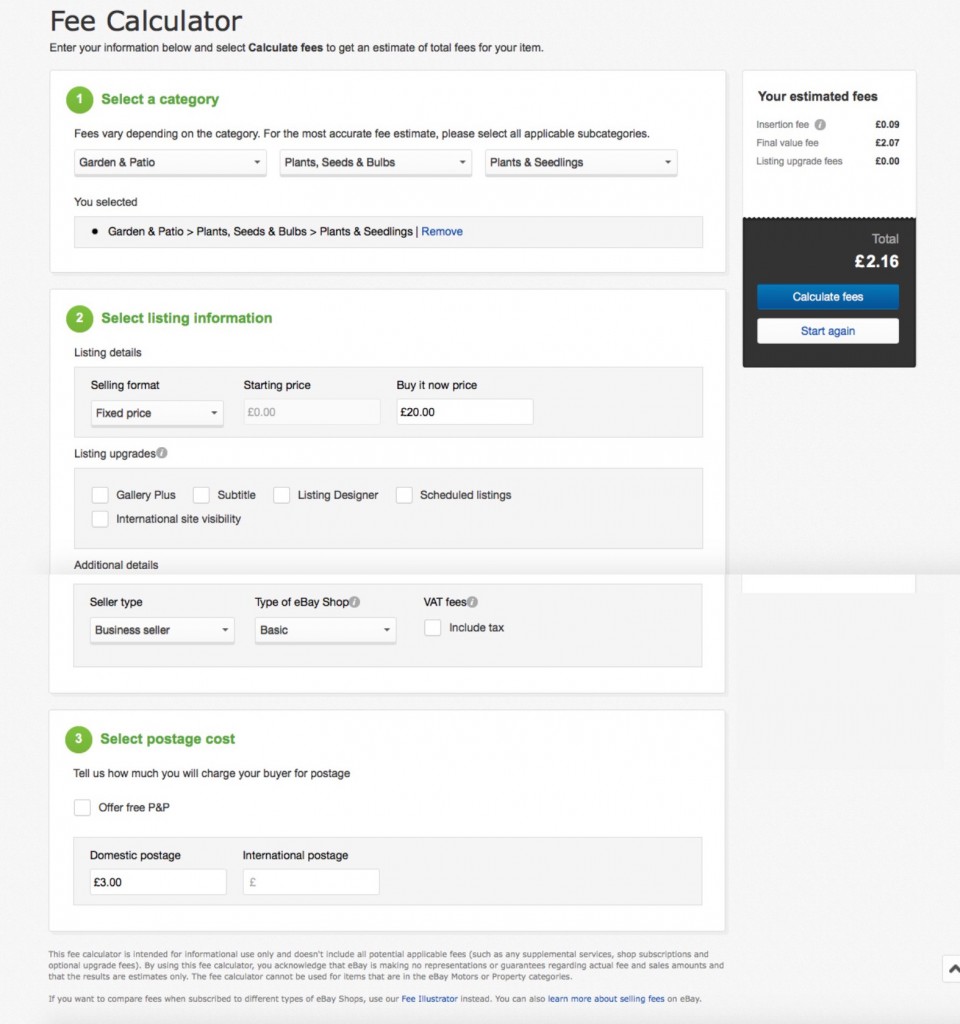
 In order to optimise your profit on eBay, you can check your fees using eBays fee calculator. While fees may not always be exact, they give you a good indication on how much your listing is going to cost. By taking away the cost of shipping and relevant taxes, this gives you your potential profit from what’s left over.
We have filled out a sample below, and the estimated fees associated with those options.
eBay’s Fee Illustrator is another useful tool that can be used to find out which eBay shop is best for your selling practices. We have entered in some values below in the Fee Illustrator to show you sample prices.
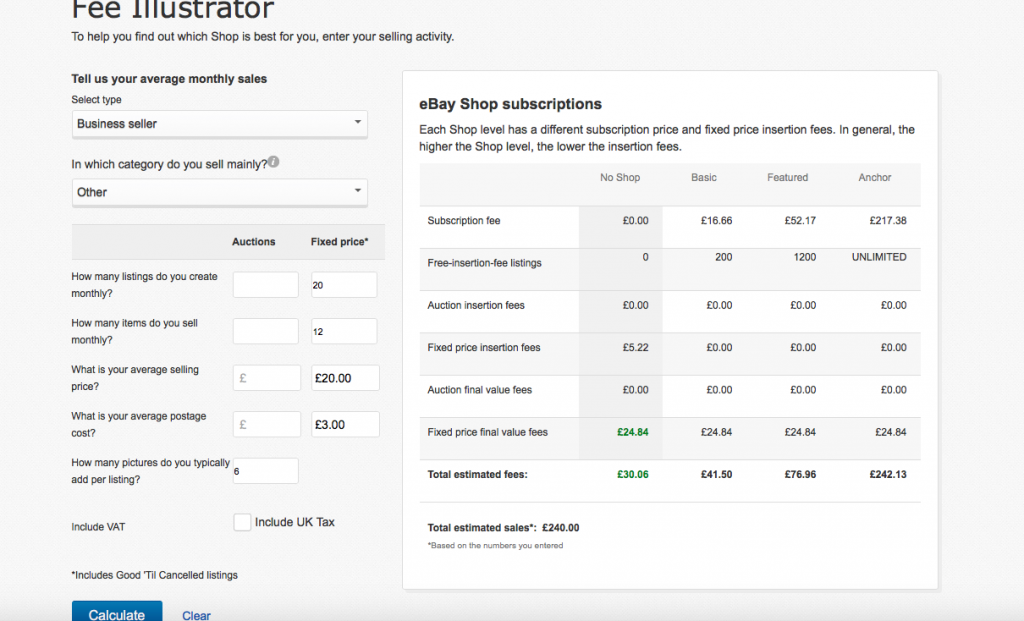
Both tools can be used to help figure out your costs associated with running an eBay store, and the fees and profits from selling your items to give you a better forecast for your business.
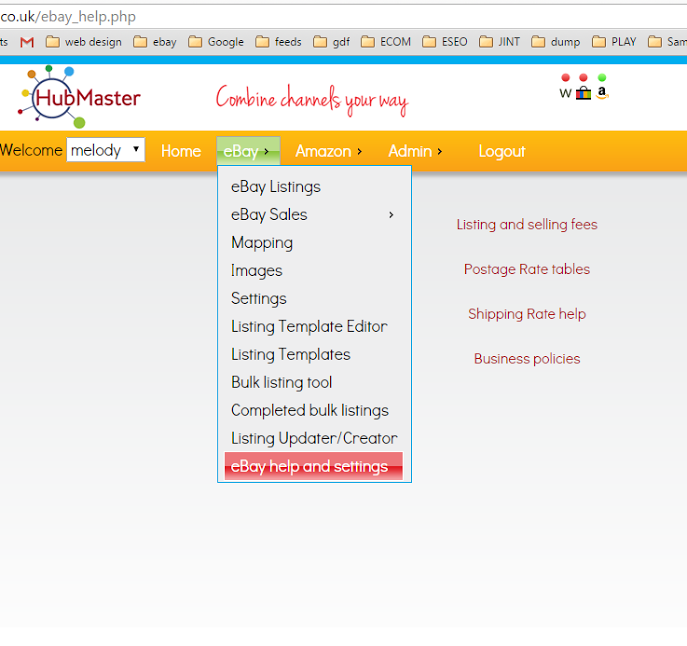
We’ve made it easy to access these tools at anytime from your Hubmaster dashboard, by going into eBay > eBay help and settings and then selecting the relevant link from the right hand menu.